Guide · updated 2026-10-14
How to collect voice messages from a group for a surprise
For a birthday, a leaving do or someone far from home, you want a message from everyone, kept secret from the person it is for. The hard part is not recording; it is getting files from twenty people with different phones. Here are the usual ways, with what each asks of the people recording.
Short version: A WhatsApp group (without the recipient) is easiest for contributors; Dropbox File Request needs no account to upload; Google Forms makes everyone sign in to Google. Whichever you use, set a deadline, send reminders and plan time to join the files.
A WhatsApp group
Easiest for the people recording. The work is all yours afterwards, and people listen to each other's messages, which spoils the surprise for everyone but the recipient.
Make a group with everyone except the recipient, and explain what you are making and by when.
People reply with a voice note.
Export the chat with media and merge the .opus files on a computer (see our WhatsApp guide).
Dropbox File Request
Uploaders do not need a Dropbox account. Uploads use your storage (2 GB on the free plan). Many people give up at the step of finding the recording on their phone and uploading it.
On dropbox.com, open File requests > New request, give it a title, choose a folder and copy the link.
Send the link and ask people to record a voice memo and upload it.
Google Forms with a file upload question
A form can ask for an audio file, but anyone answering a file upload question has to sign in to a Google account, and work accounts can block uploads from outside the organization. Files land in your Drive. Expect some people to be unable to submit.
Works for everyone, but you chase attachments one at a time, files arrive in every format, and long recordings can be too big to attach.
What usually goes wrong
- People forget. Plan two reminders: one halfway, one the day before the deadline.
- Volumes differ a lot between phones. Level each recording before joining them.
- Nobody knows what to say. Send two or three prompts, such as a memory together or what they wish for the person.
- The surprise leaks. Keep the recipient out of every group and thread.
The same job with VoiceHug
VoiceHug was made for this. One link, recorded in the browser with no account or app, or a WhatsApp voice note. You see who has recorded, can remind anyone invited by email in one click, and VoiceHug mixes everything into one gift.
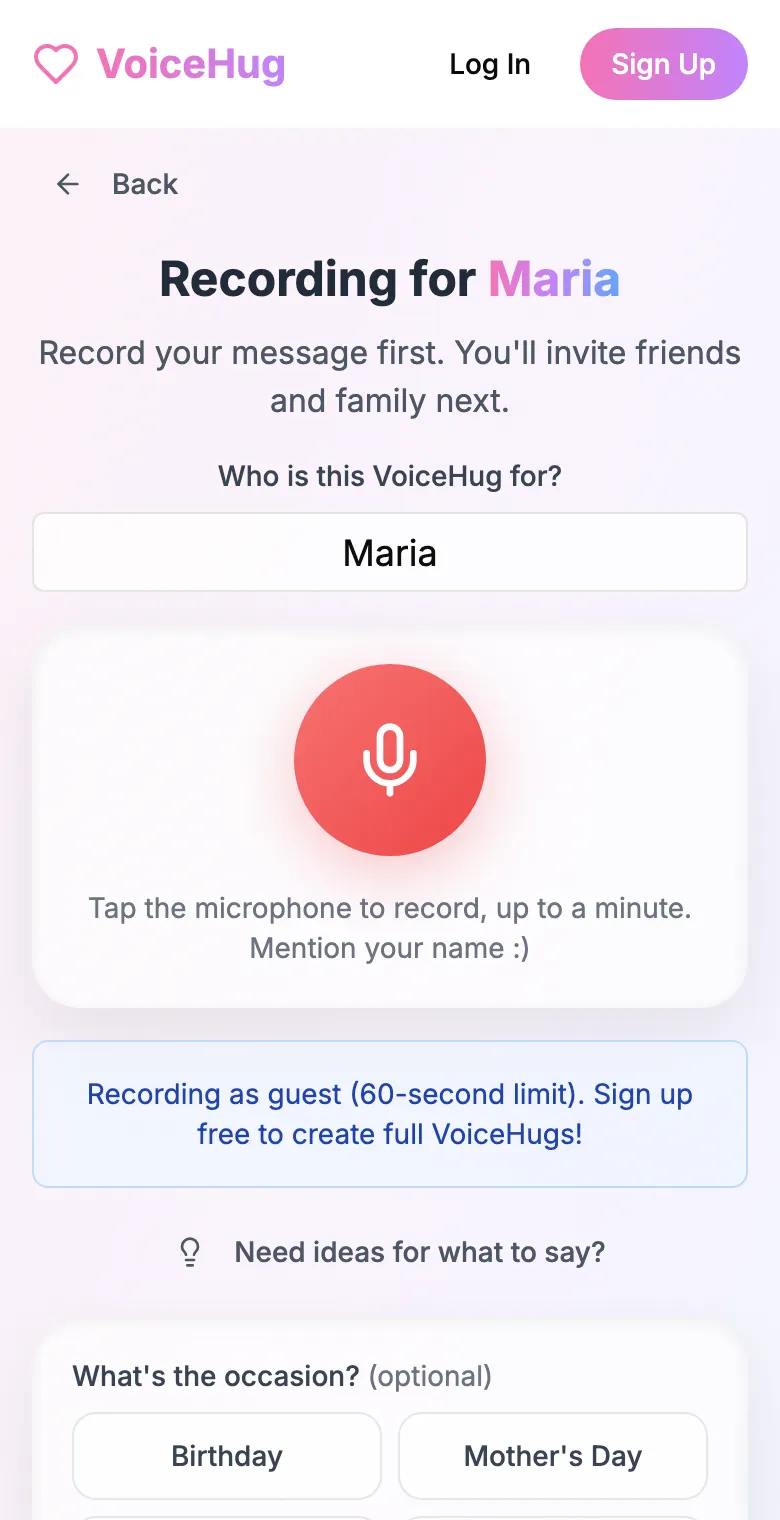
1. Record your own message
Say who it is for and record first, so everyone hears how it sounds.
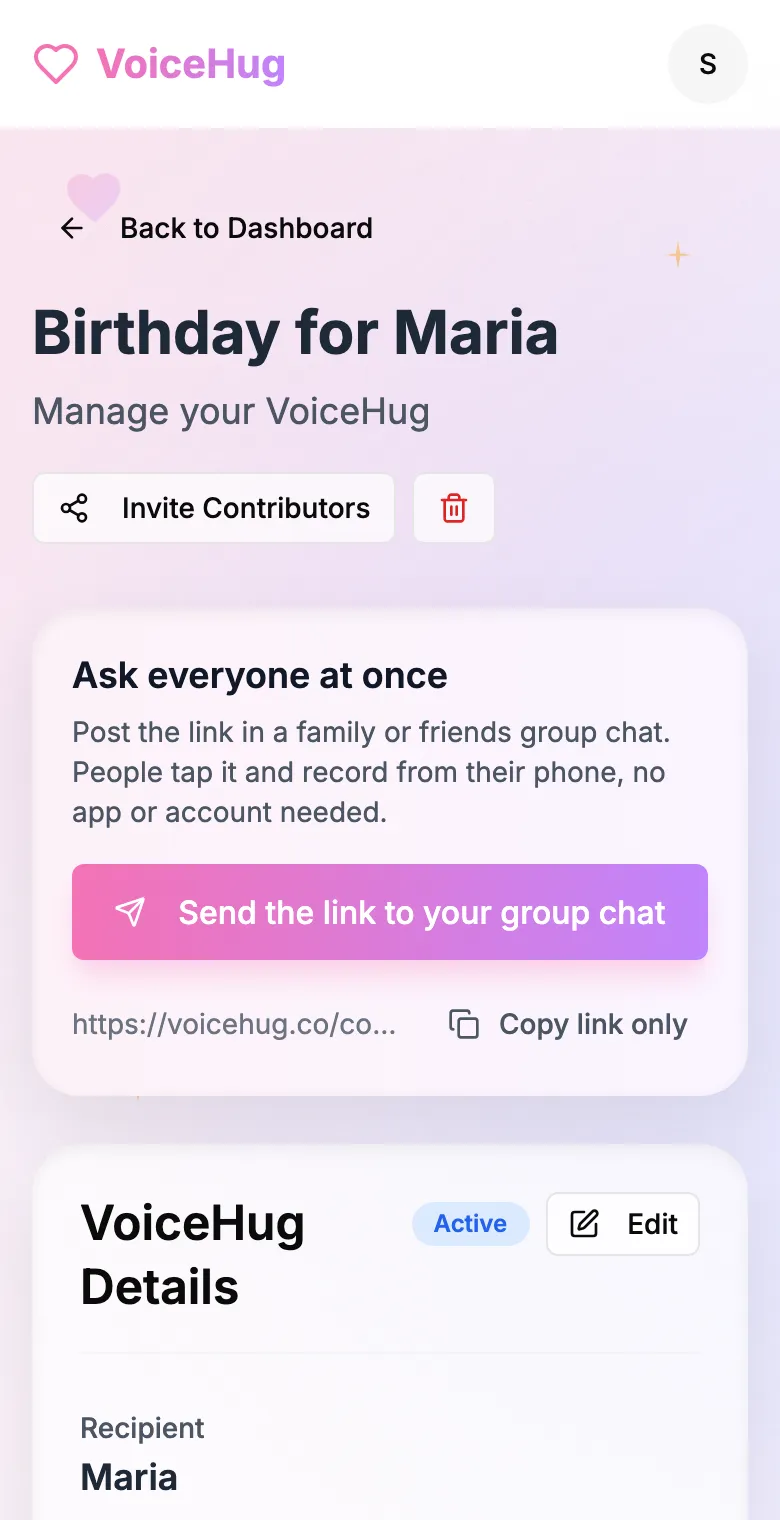
2. Send one link to the group
Post it in the family or friends group chat, or send the WhatsApp invite. You see who has recorded and can remind anyone invited by email.
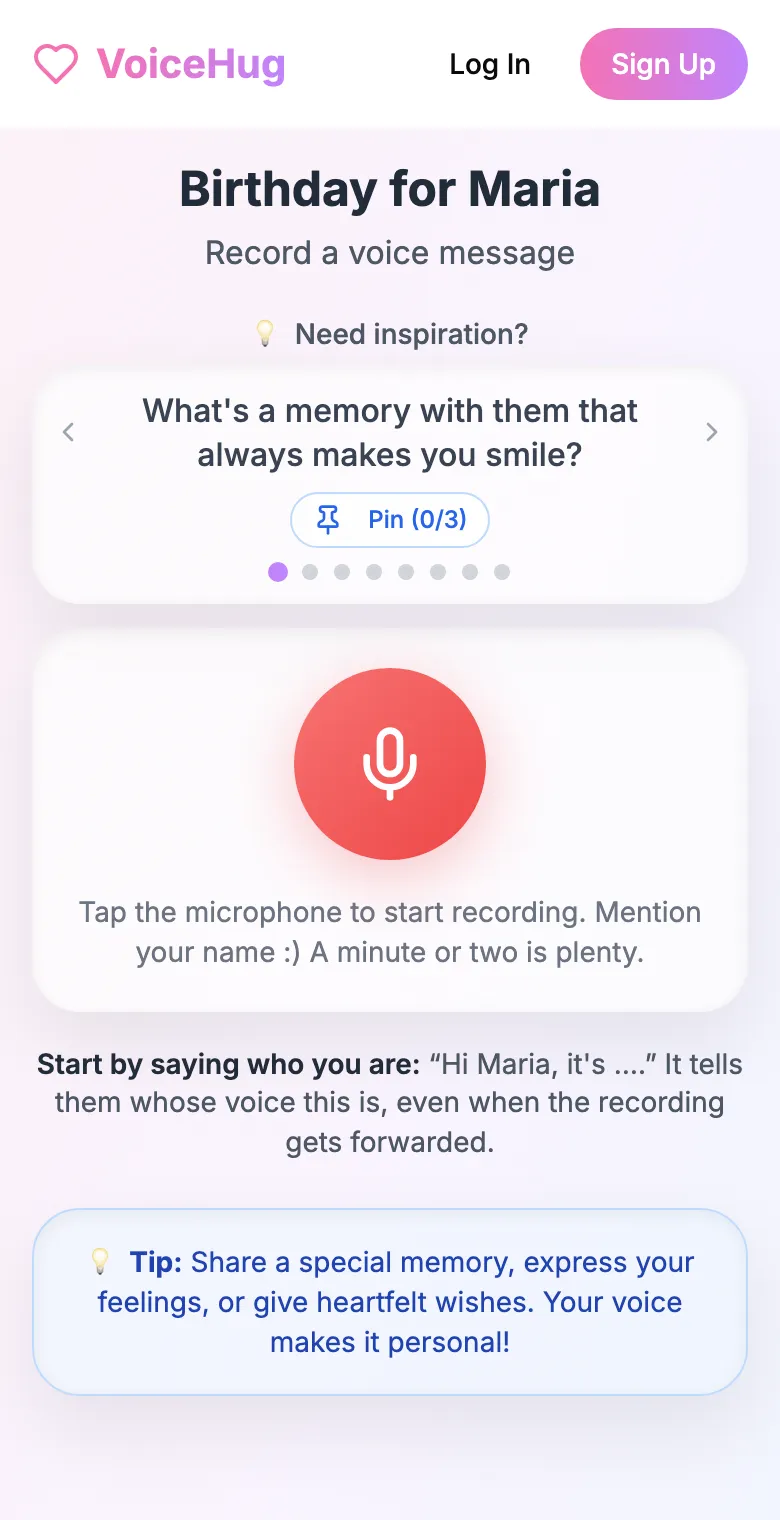
3. Each person records on their phone
They open the link and tap the microphone, with prompts if they need ideas. No app, no account. They can also send a WhatsApp voice note.
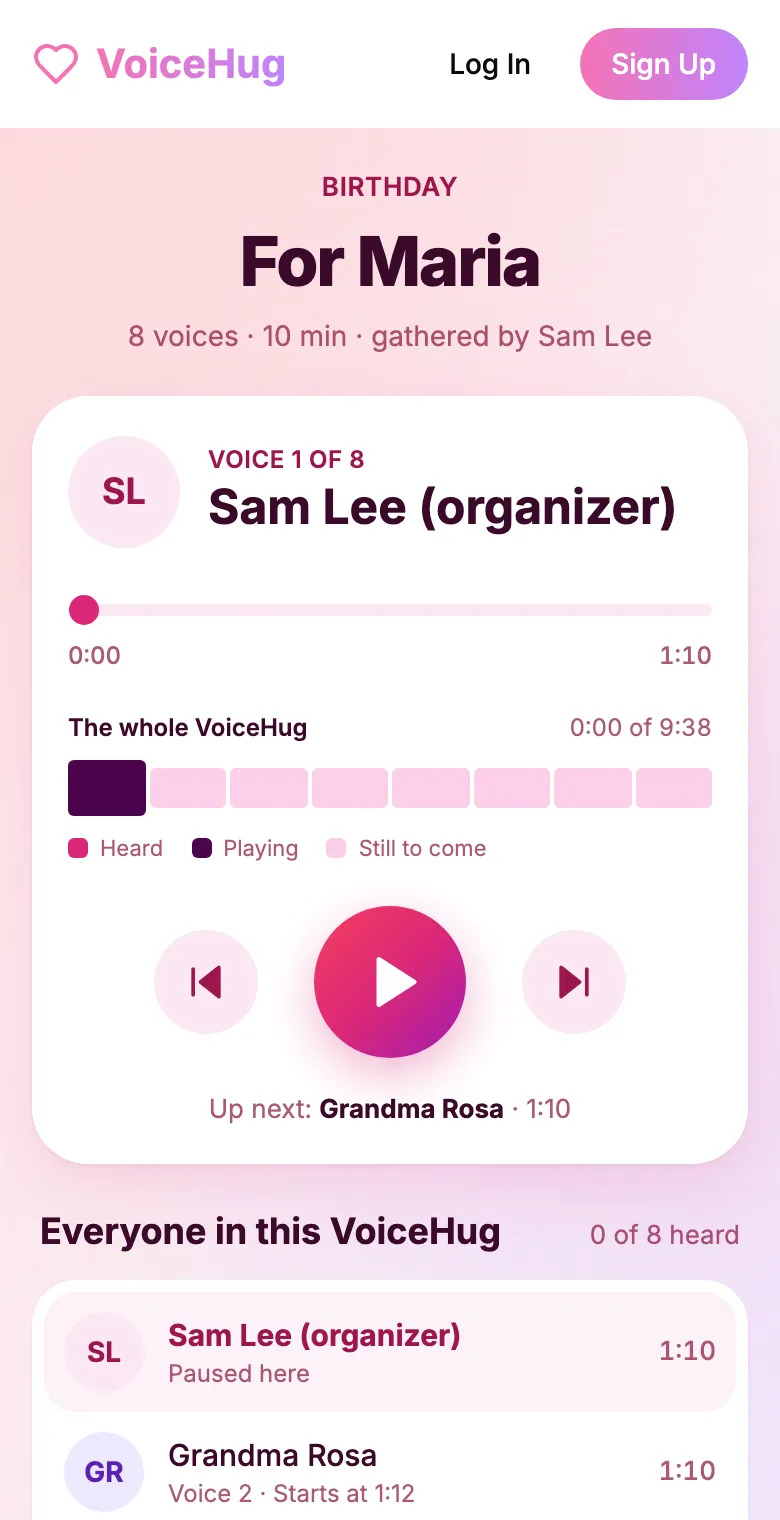
4. They get one recording
VoiceHug levels every voice, puts a short pause between them and makes one MP3 with a chapter for each person, plus a gift page to send.
Free for you and up to 5 others. $9.99 once for a larger group.
Questions
- What is the easiest way to get voice messages from lots of people?
- Send one link they can record from without installing anything or signing in. WhatsApp voice notes are also easy for senders, but leave you with the exporting and joining.
- Do contributors need a Google account to upload to a Google Form?
- Yes. File upload questions require respondents to sign in to a Google account.
- Do people need a Dropbox account to upload to a File Request?
- No. Anyone with the link can upload; the files use the requester's storage.
- How much does VoiceHug cost?
- Free for the organizer plus up to 5 contributors (6 people). For larger groups it is a one-time $9.99 with no limit on contributors. Contributors never pay.