Guide · updated 2026-10-14
How to combine voice messages into one audio file
You have voice messages from several people, as WhatsApp notes, iPhone voice memos and emailed files, and you want one recording to play or give as a gift. Here is how to do it with free tools, and what to watch for.
Short version: Get every file onto one computer, open them in Audacity (free), line them up end to end, level the loudness of each one, and export as MP3. On a Mac, GarageBand or QuickTime also work for m4a and mp3 files. For many files, one ffmpeg command does it all.
Before you start: get the files onto one computer
Ask people to send their recording as a file, not a link. WhatsApp voice notes are .opus files; iPhone Voice Memos are .m4a; Android recorders vary. Save them all into one folder and rename them 01, 02, 03… in the order you want them to play.
Audacity (Windows, Mac, Linux; free)
Install Audacity and the FFmpeg library for Audacity. Without FFmpeg, Audacity cannot open .m4a files from iPhones, and older versions cannot open WhatsApp .opus files.
Choose File > Import > Audio and select all the files. Each one opens as its own track.
Put the tracks in playing order with each track's menu (Move Track Up / Down). Top plays first.
To leave a pause between people, click at the end of each track and choose Generate > Silence (1 second is enough).
Select all (Ctrl+A or Cmd+A), then choose Tracks > Align Tracks > Align End to End. Each track now starts where the one above ends.
Even out the volume: select one track at a time and apply Effect > Volume and Compression > Loudness Normalization with the same target each time. -16 LUFS suits phones and earbuds.
Choose File > Export Audio, set the format to MP3 and export. Audacity mixes all the tracks into one file.
GarageBand on a Mac
Create an Empty Project with an audio track.
Drag the files from Finder into the track area. GarageBand takes m4a/AAC, MP3, WAV and AIFF. It does not open WhatsApp .opus files: convert them first (VLC or ffmpeg).
Drag the regions so each starts after the previous one ends, leaving a short gap.
Choose Share > Export Song to Disk and pick MP3 or AAC. Saving the project alone gives you a GarageBand file, not audio.
QuickTime Player on a Mac (quickest, fewest options)
QuickTime cannot add pauses, level the volume or open .opus files.
Open the first file in QuickTime Player.
Choose View > Show Clips.
Choose Edit > Add Clip to End, once for each further file.
Choose File > Export As > Audio Only. You get one .m4a file.
ffmpeg (command line; best for many files)
This command takes files in different formats, levels each one to the same loudness, adds a one-second pause after each and writes a mono MP3. Add a [n:a]… line for each extra file and set concat=n= to the number of files. The last file has no apad, so the recording does not end on silence.
Use the concat filter as shown, not the concat demuxer (a list.txt file): the demuxer only works when every file has the same codec and sample rate, and files from different phones never do.
ffmpeg -i a.m4a -i b.ogg -i c.opus -i d.mp3 -filter_complex \
"[0:a]loudnorm=I=-16:TP=-1.5,aformat=sample_rates=48000:channel_layouts=mono,apad=pad_dur=1[a0];\
[1:a]loudnorm=I=-16:TP=-1.5,aformat=sample_rates=48000:channel_layouts=mono,apad=pad_dur=1[a1];\
[2:a]loudnorm=I=-16:TP=-1.5,aformat=sample_rates=48000:channel_layouts=mono,apad=pad_dur=1[a2];\
[3:a]loudnorm=I=-16:TP=-1.5,aformat=sample_rates=48000:channel_layouts=mono[a3];\
[a0][a1][a2][a3]concat=n=4:v=0:a=1[out]" \
-map "[out]" -ar 44100 -c:a libmp3lame -b:a 128k combined.mp3
Free online joiners
Sites such as audio-joiner.com and Clideo's Merge Audio join files in the browser. They work for a handful of files, but you upload private recordings to someone else's server, they do not level loud and quiet voices, and you still need every file on one device first.
What usually goes wrong
- One person is much quieter than the rest. Level each recording on its own; normalizing the finished file keeps the quiet person quiet.
- A file will not open. It is usually a WhatsApp .opus file: install FFmpeg for Audacity, or convert it to .m4a or .mp3 with VLC or ffmpeg.
- The order gets lost. Rename files with a number prefix before you import them.
- Someone never sends a file. Collecting takes longer than editing; set a deadline two days before the one you need.
The same job with VoiceHug
VoiceHug does the collecting and the editing. People record from a link or a WhatsApp voice note, and the mix is levelled, spaced and exported for you.
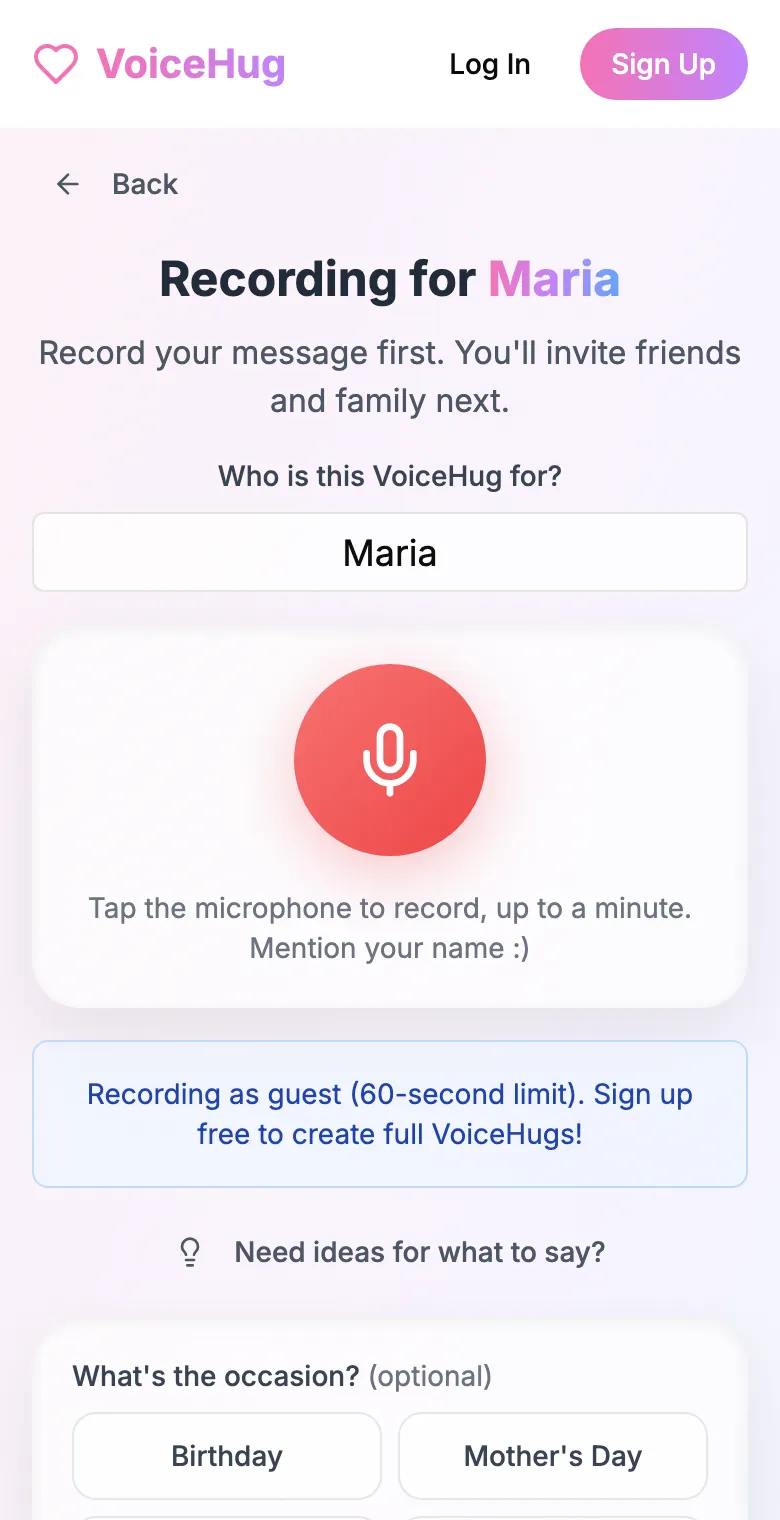
1. Record your own message
Say who it is for and record first, so everyone hears how it sounds.
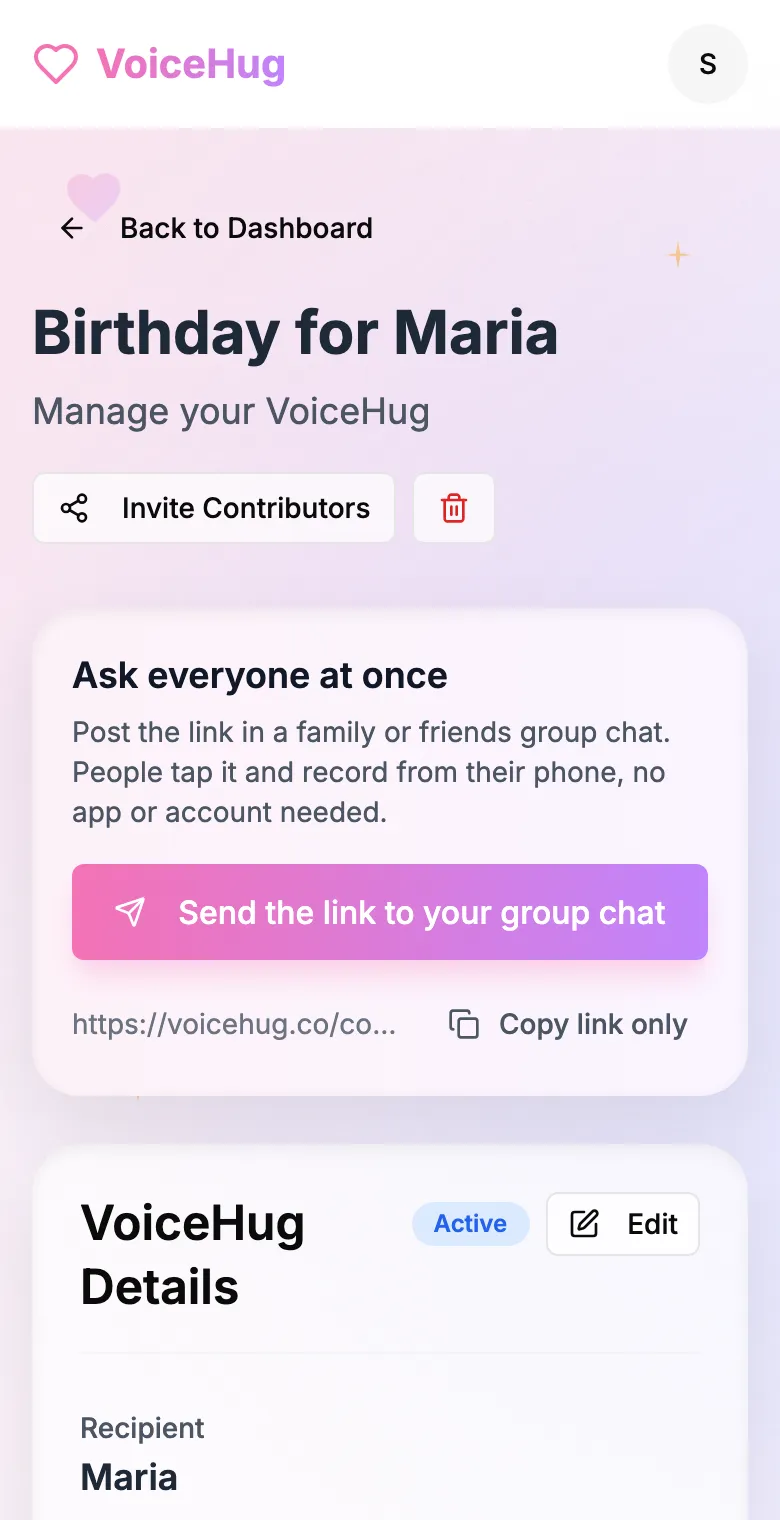
2. Send one link to the group
Post it in the family or friends group chat, or send the WhatsApp invite. You see who has recorded and can remind anyone invited by email.
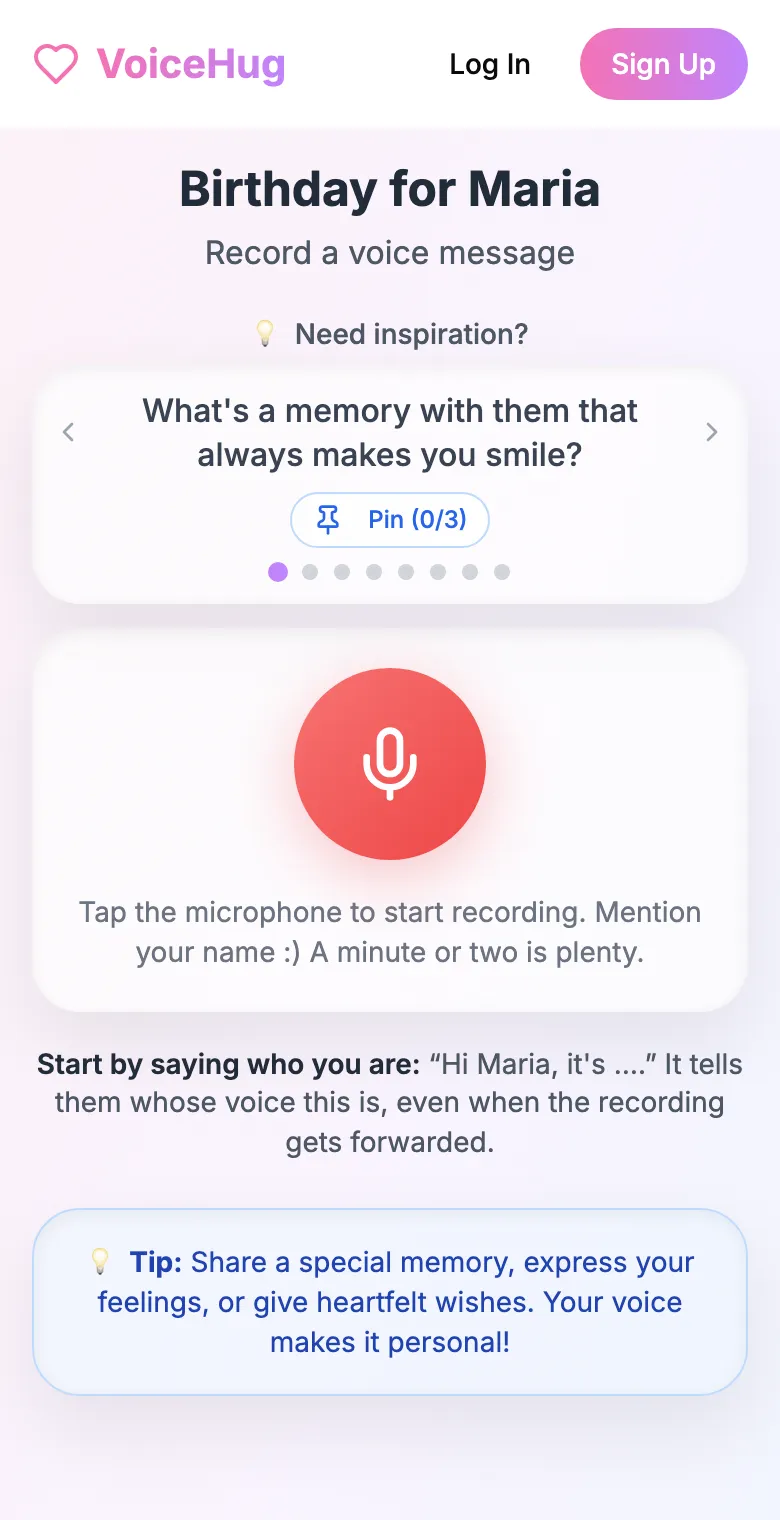
3. Each person records on their phone
They open the link and tap the microphone, with prompts if they need ideas. No app, no account. They can also send a WhatsApp voice note.
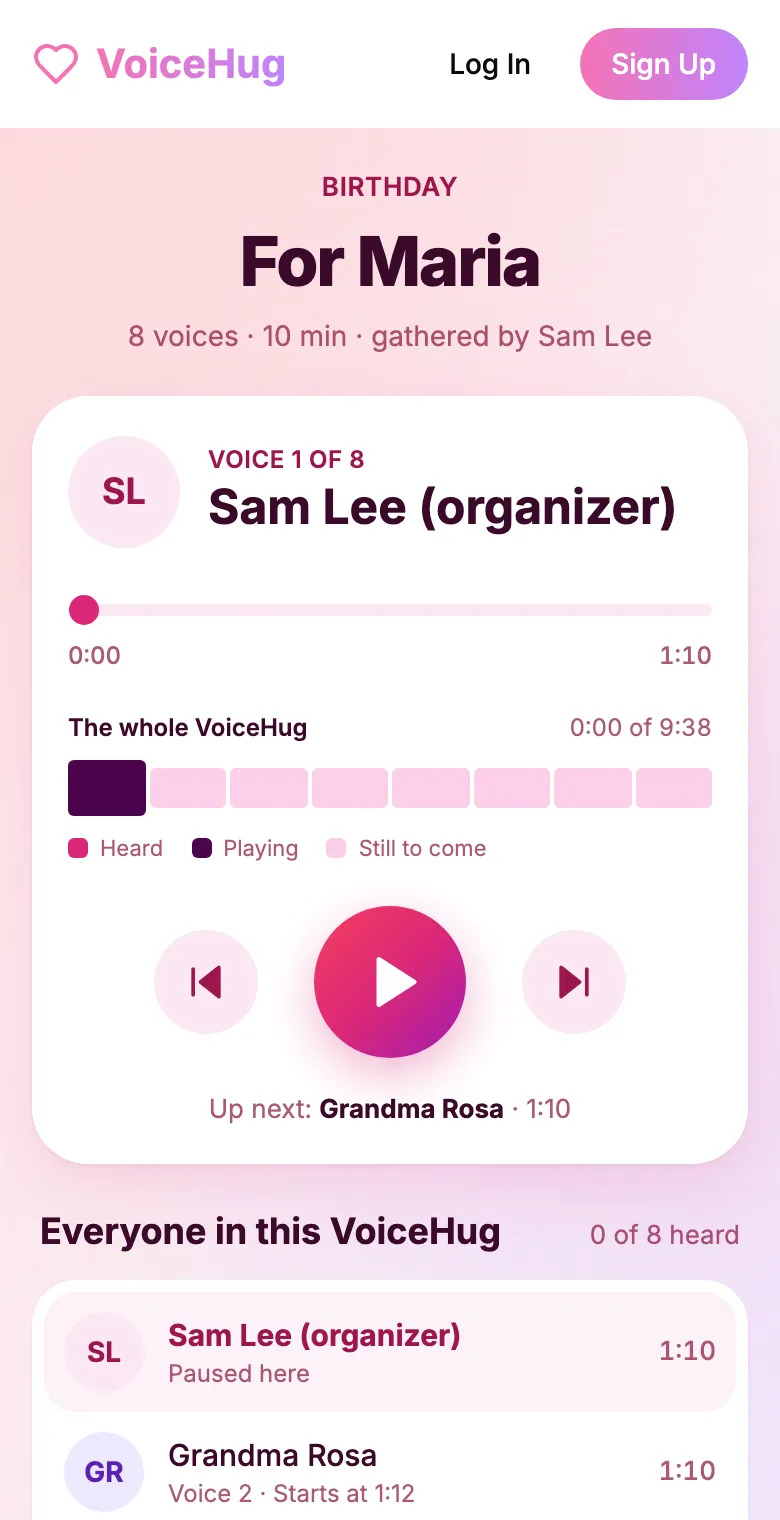
4. They get one recording
VoiceHug levels every voice, puts a short pause between them and makes one MP3 with a chapter for each person, plus a gift page to send.
Free for you and up to 5 others. $9.99 once for a larger group.
Questions
- What is the best free program to combine voice recordings?
- Audacity: it runs on Windows, Mac and Linux, opens most formats once FFmpeg is installed, and can level each recording before export.
- Why are some voices so much louder than others?
- People hold their phones at different distances and in different rooms. Apply loudness normalization to each recording separately, to the same target, before joining them.
- Can I combine voice messages on my phone?
- Yes, with GarageBand on iPhone (m4a and mp3 only) or a paid app, but it is fiddly. A computer is easier; VoiceHug does it without any editing.
- How much does VoiceHug cost?
- Free for the organizer plus up to 5 contributors (6 people). For larger groups it is a one-time $9.99 with no limit on contributors. Contributors never pay.