Guide · updated 2026-10-14
How to send Christmas messages from family who can't be there
Every family has people who will not be at the table this Christmas: a son working abroad, grandparents too frail to travel, an aunt spending it with the in-laws. A recording of messages from all of them, played on Christmas Day, brings them into the room.
Short version: Start by 10 December. Ask everyone who will not be there, plus those who will, for a short message by the 20th. Play it after Christmas lunch or on a video call, and send the link to everyone who recorded.
Timeline
By 10 December
Record your own message and send the link to everyone who will not be there, and to those who will.
17 December
Remind everyone who has not recorded. December fills up fast.
20 December
Deadline. Messages arriving on the 24th are fine if you have time to listen to them.
Christmas Day
Give it to them in the morning, or play it after lunch when everyone is sitting down.
Message to send
We're making a Christmas recording for Grandma, with messages from everyone who can't be with her this year. Could you record a minute by 20 December? Say who you are, a Christmas memory with her, and what you're doing this year. Children are welcome to sing a carol!
Change the names and dates, then paste it into your group chat or email.
Who it is for
Decide whether the recording is for one person (a grandmother who lives alone, a relative in a care home) or for the whole family gathering. For one person, give it to them on Christmas morning. For a gathering, play it after lunch, when people are sitting down.
What usually goes wrong
- Everyone is busy in December. Start early and keep the request short.
- Older relatives without a smartphone. Ask whoever visits them to record their message.
- Playing a long recording to a full room. Pick a few messages to play; the person it is for can hear the rest later.
The same job with VoiceHug
With VoiceHug, relatives record from a link or a WhatsApp voice note wherever they are spending Christmas, and you get one recording to play on the day.
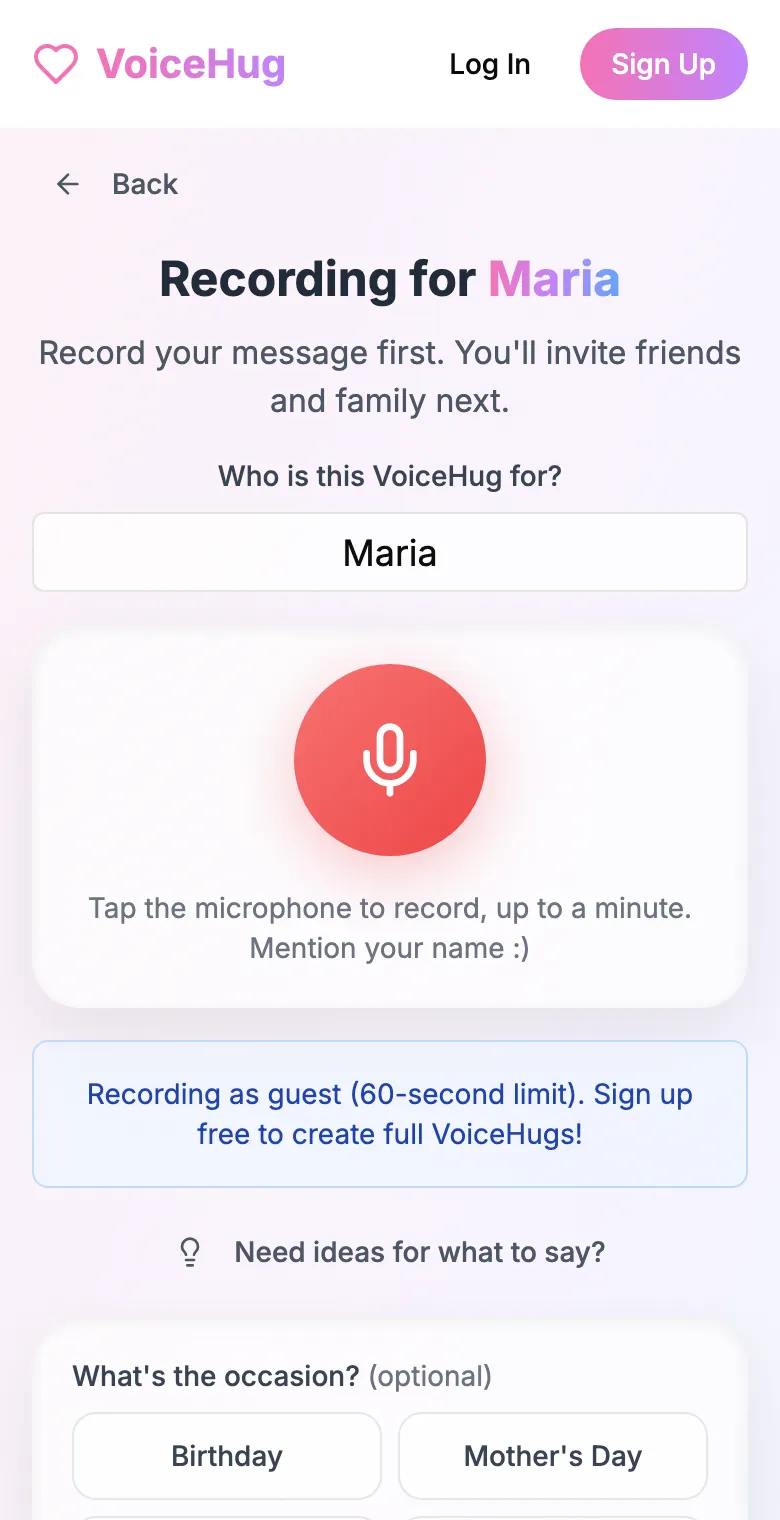
1. Record your own message
Say who it is for and record first, so everyone hears how it sounds.
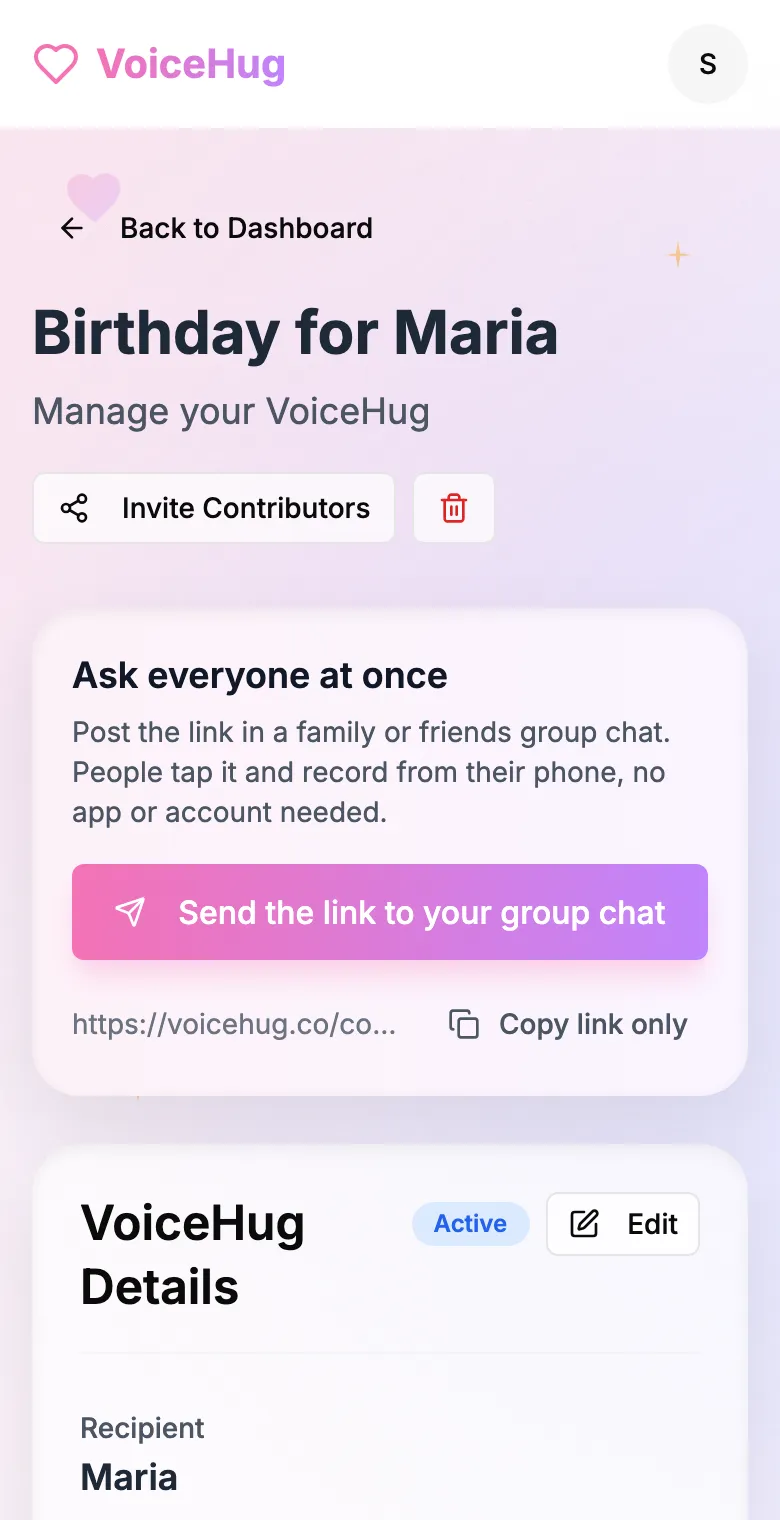
2. Send one link to the group
Post it in the family or friends group chat, or send the WhatsApp invite. You see who has recorded and can remind anyone invited by email.
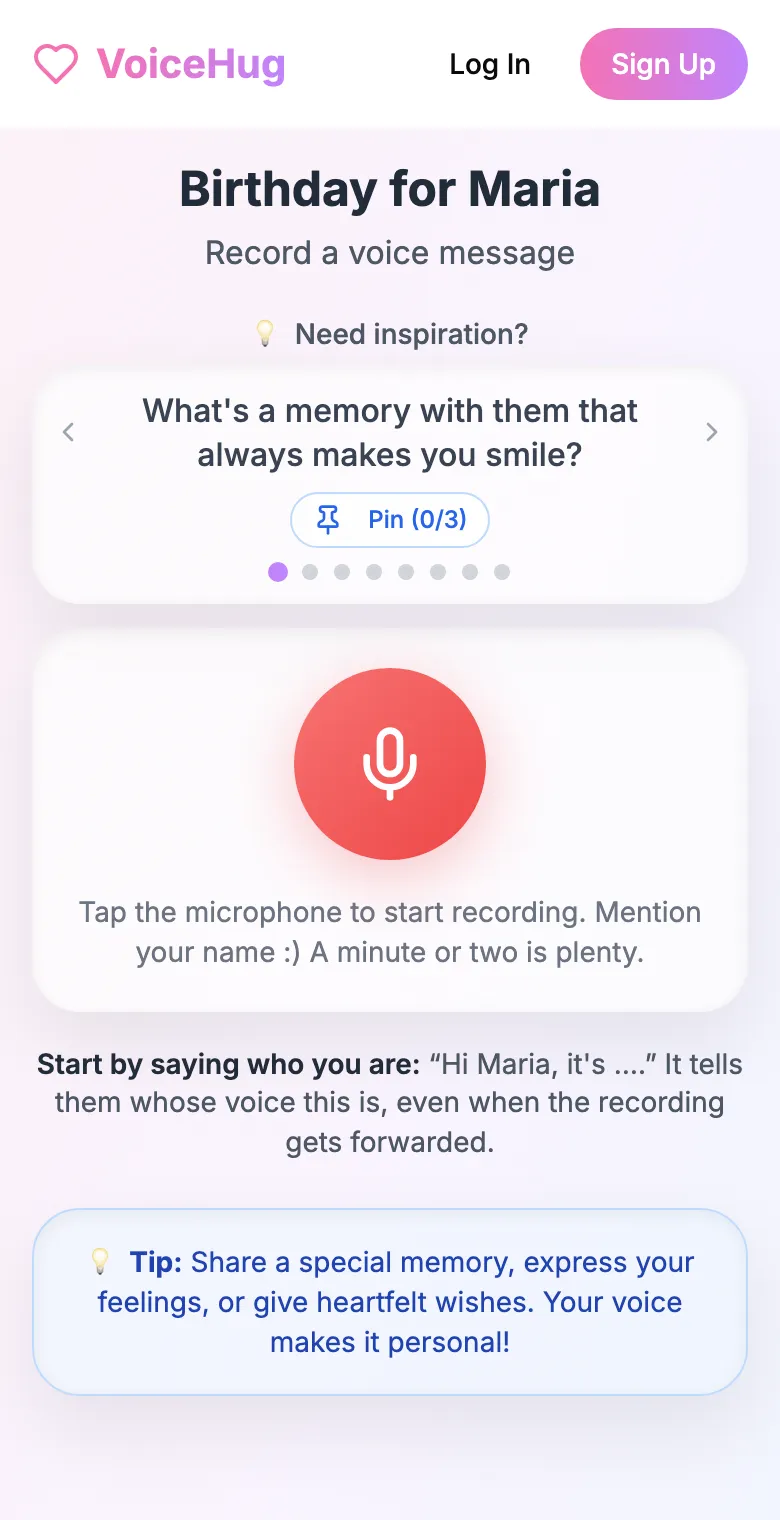
3. Each person records on their phone
They open the link and tap the microphone, with prompts if they need ideas. No app, no account. They can also send a WhatsApp voice note.
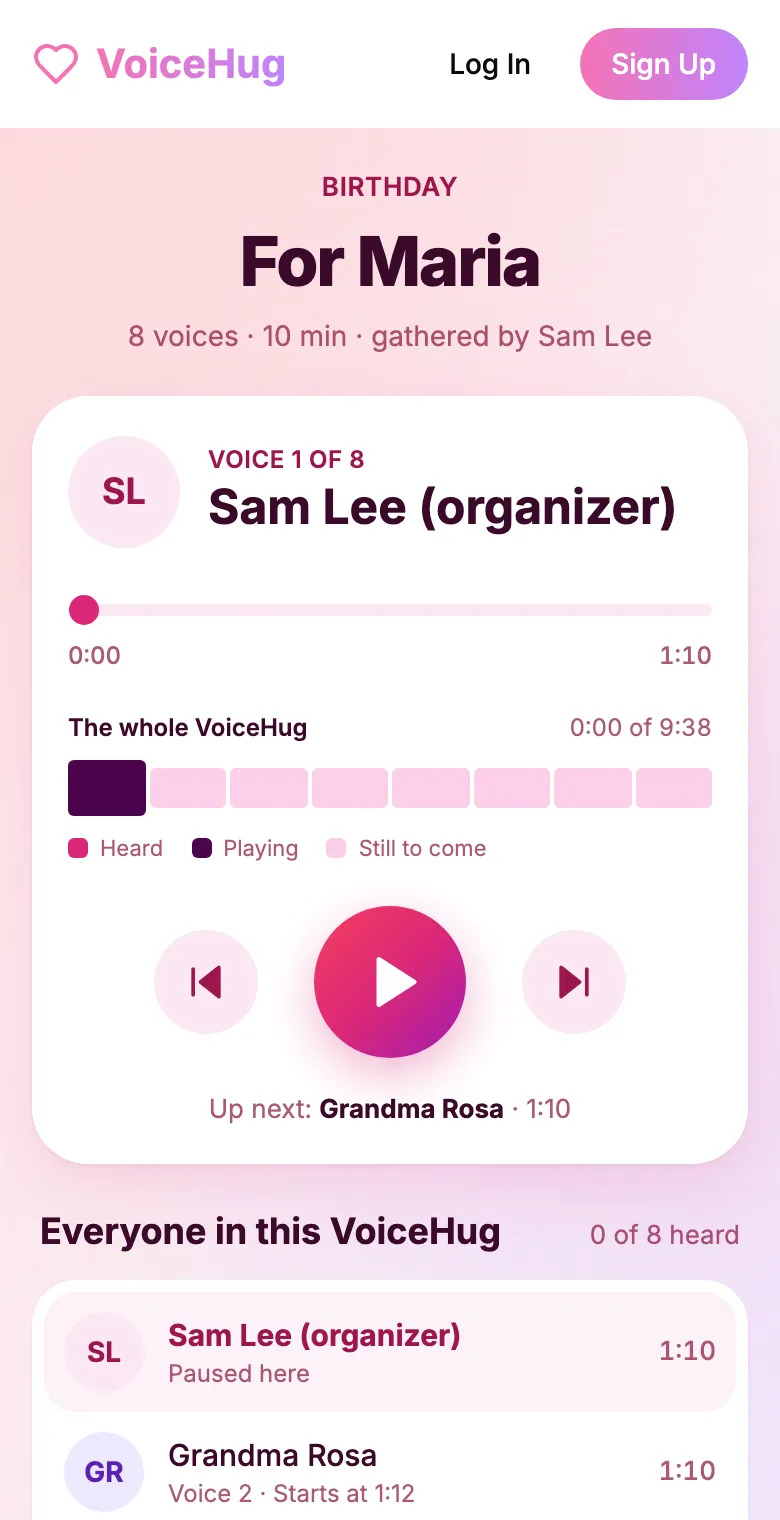
4. They get one recording
VoiceHug levels every voice, puts a short pause between them and makes one MP3 with a chapter for each person, plus a gift page to send.
Free for you and up to 5 others. $9.99 once for a larger group.
Questions
- What is a good Christmas gift for a grandparent who has everything?
- Messages from the whole family in one recording. It costs little, cannot be bought in a shop, and they will play it again in January.
- Can I schedule it to arrive on Christmas Day?
- VoiceHug does not send it for you: when it is ready you get a gift link and an MP3, and you send or play them when you choose.
- How much does it cost?
- Free for you plus up to 5 others (6 people). For a larger group it is a one-time $9.99, with no limit on how many people record. Contributors never pay.