Guide · updated 2026-10-14
How to collect retirement messages from colleagues past and present
After twenty or thirty years at work, the people who shaped someone's career are scattered: retired themselves, at other companies, in other countries. A retirement is the one time it makes sense to find them all.
Short version: Start three weeks before. Ask HR, their manager and long-serving colleagues for names, find former colleagues on LinkedIn, send one link with a deadline and prompts, and play a short selection at the party.
Timeline
3 weeks before
Collect names from their manager, long-serving colleagues and family. Contact former colleagues first: they need the most time.
2½ weeks before
Record your own message and send the link to everyone.
10 days before
Remind everyone who has not recorded.
1 week before
Deadline. Share the list of who recorded with whoever gives the speech.
At the party
Play five or six messages, oldest colleague first, then give them the full recording.
Message to send
Priya retires on 28 November after 31 years. We're collecting voice messages from people she has worked with, to give her at her leaving lunch. Could you record a minute by 21 November? Start with who you are and when you worked together, then a project you remember, what she taught you, or what you hope she does next.
Change the names and dates, then paste it into your group chat or email.
Finding people from their whole career
Ask their current manager and the longest-serving people on the team who they worked with over the years.
Look at their past roles on LinkedIn and message former managers and colleagues there.
Ask their partner or family, quietly, who from work they still talk about.
Include people they managed or mentored. Those messages are often the most moving.
At the party
Play five or six messages that cover the span of their career, oldest first, then hand over the full recording. Ask a speaker to introduce it: "We tracked down some people you might remember."
What usually goes wrong
- Former colleagues need more time. Contact them first.
- The speech and the messages repeat each other. Share the list of who recorded with whoever gives the speech.
- Company email addresses stop working. Ask for personal emails or phone numbers for people who have left.
The same job with VoiceHug
VoiceHug lets former colleagues record from a link wherever they are now, with no account, and you can send it by email, LinkedIn message or WhatsApp.
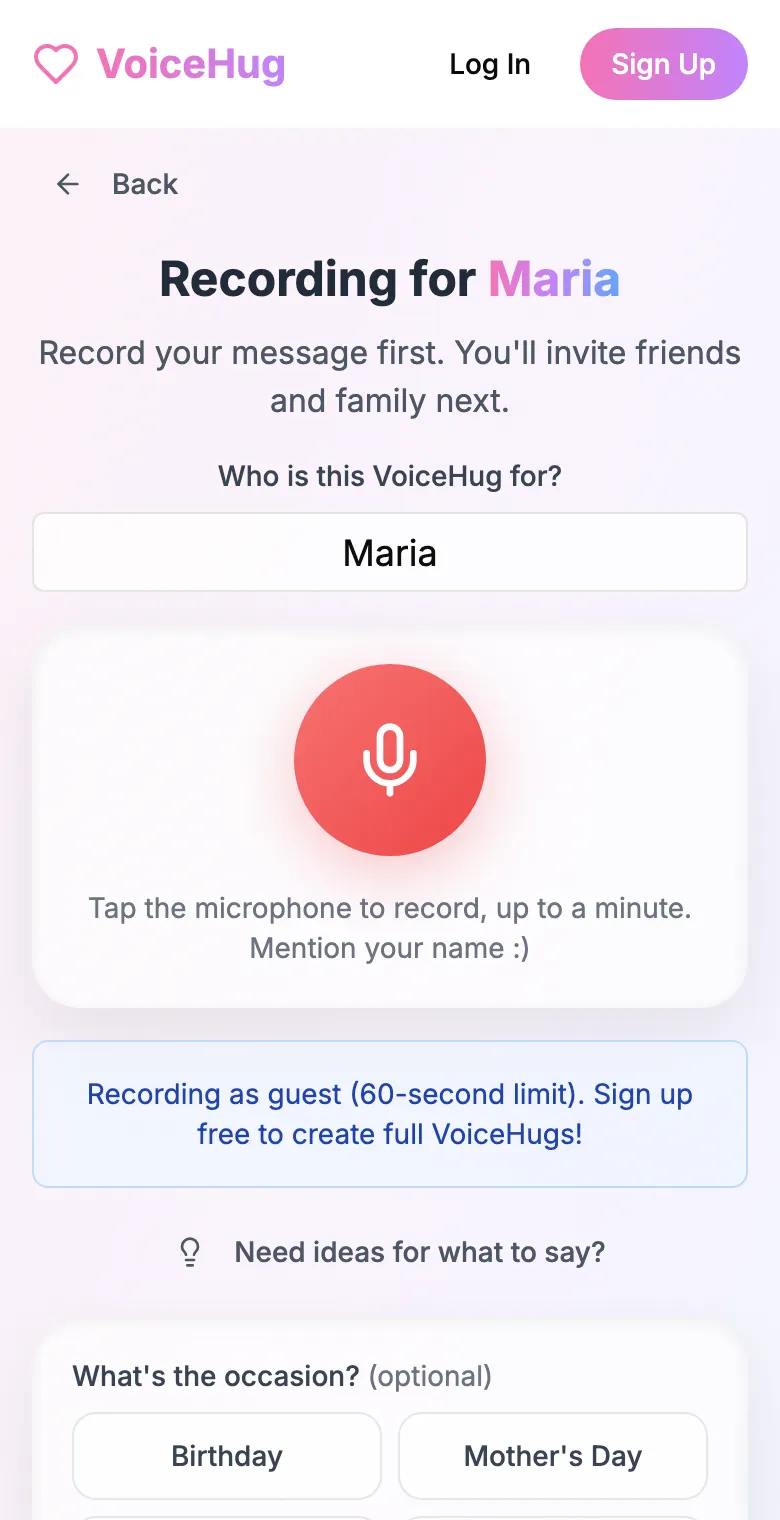
1. Record your own message
Say who it is for and record first, so everyone hears how it sounds.
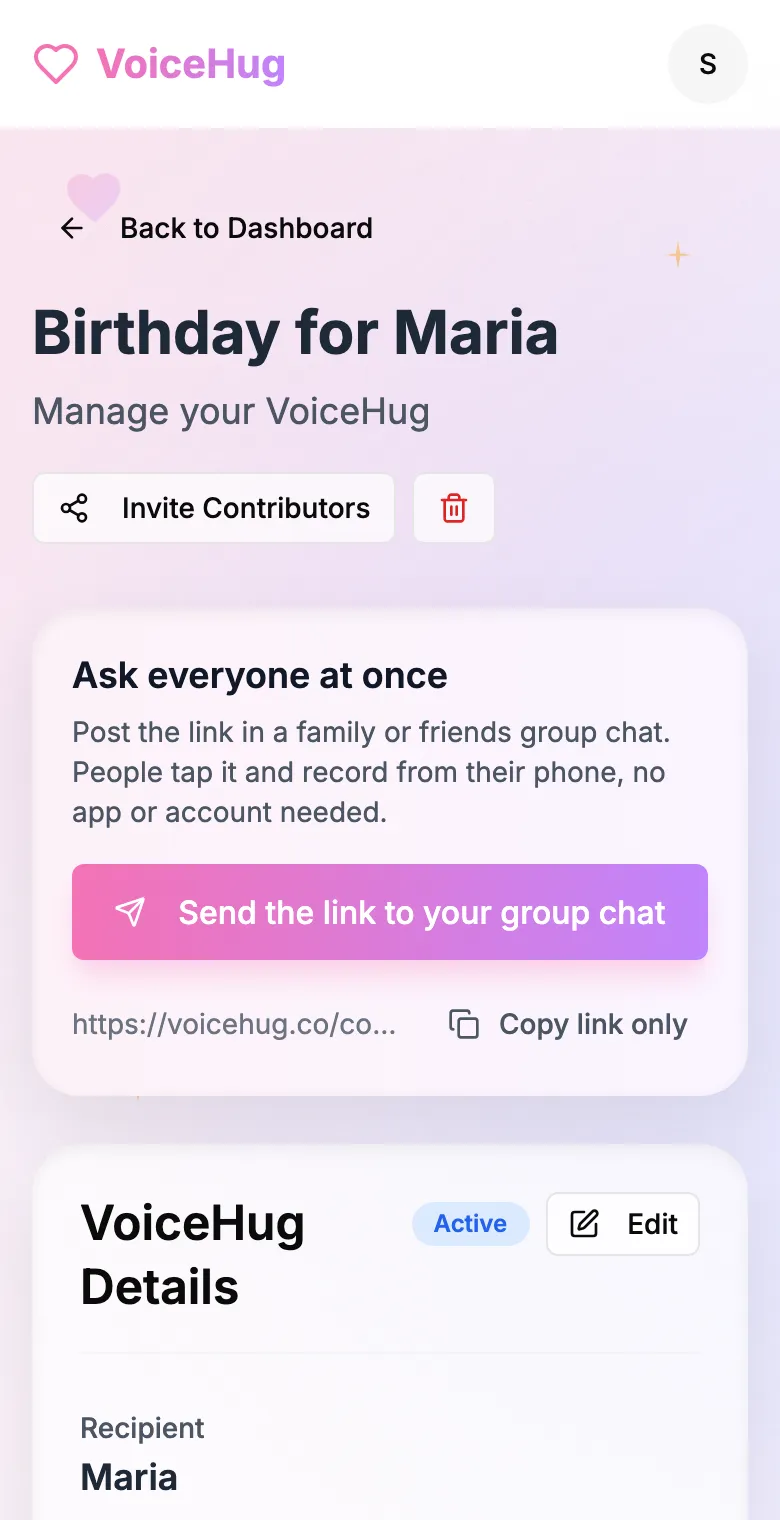
2. Send one link to the group
Post it in the family or friends group chat, or send the WhatsApp invite. You see who has recorded and can remind anyone invited by email.
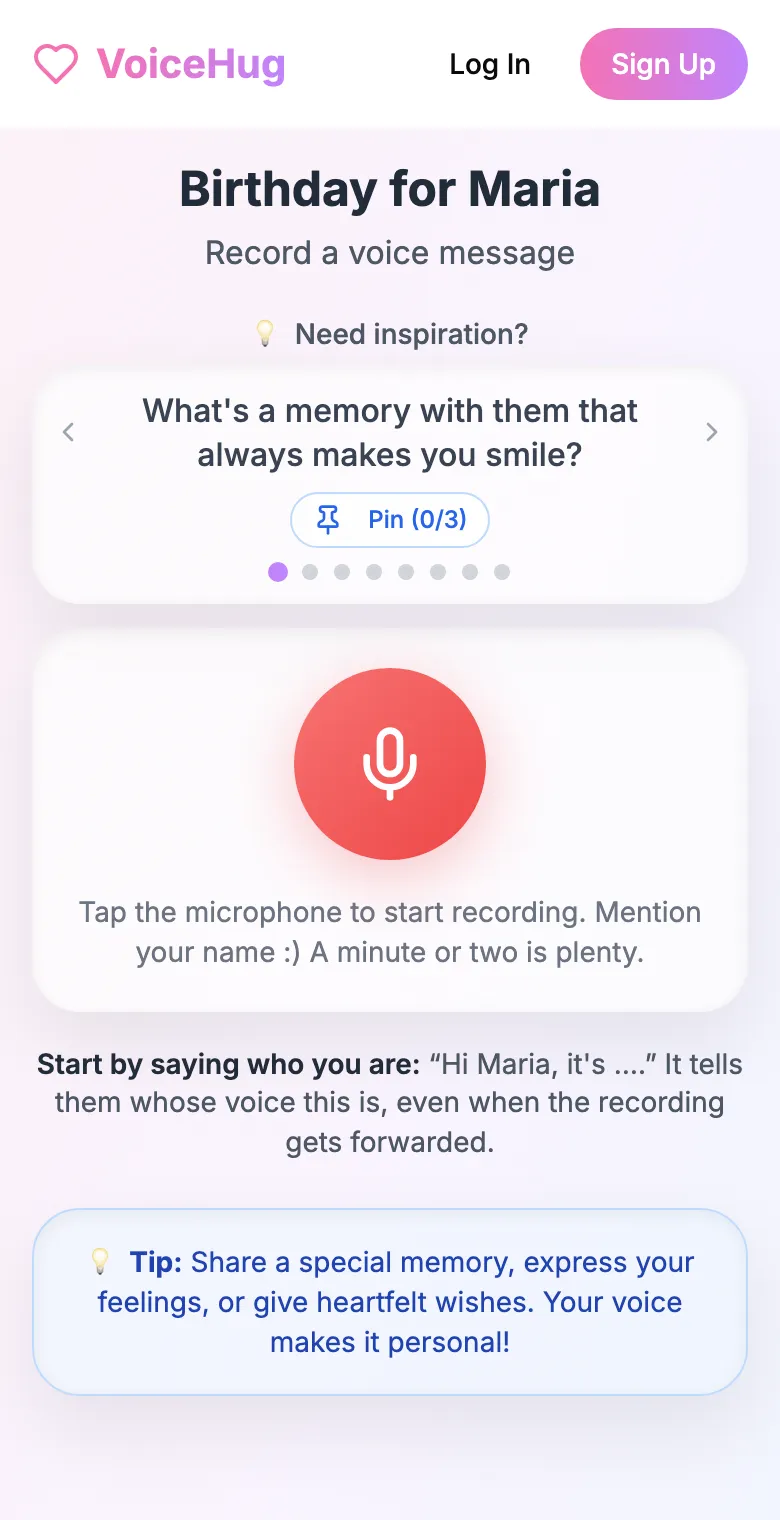
3. Each person records on their phone
They open the link and tap the microphone, with prompts if they need ideas. No app, no account. They can also send a WhatsApp voice note.
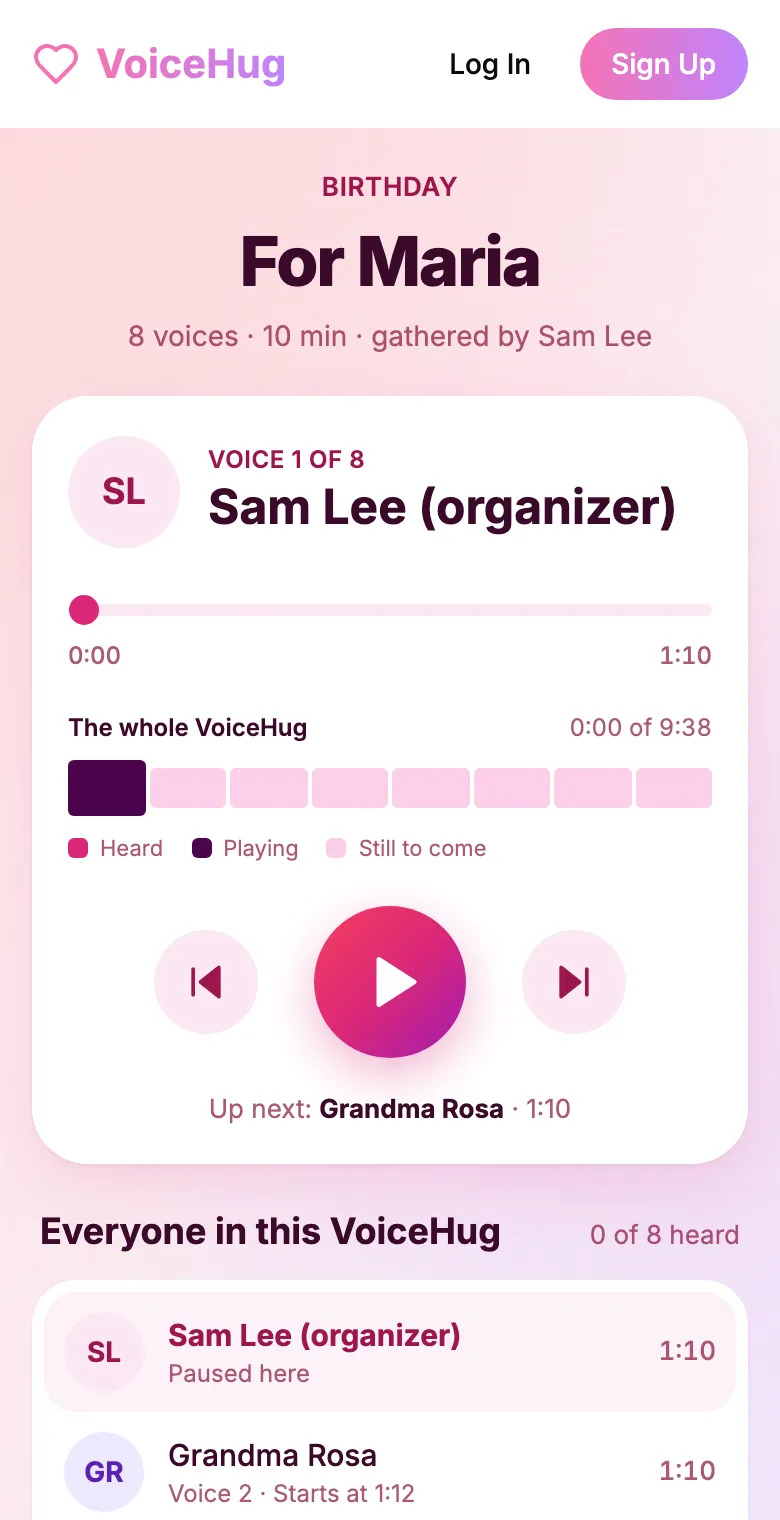
4. They get one recording
VoiceHug levels every voice, puts a short pause between them and makes one MP3 with a chapter for each person, plus a gift page to send.
Free for you and up to 5 others. $9.99 once for a larger group.
Questions
- What do you write or say for a retirement message?
- Who you are and when you worked together, one specific memory, what they taught you or did for you, and a wish for retirement.
- How much does it cost?
- Free for you plus up to 5 others (6 people). For a larger group it is a one-time $9.99, with no limit on how many people record. Contributors never pay.