Guide · updated 2026-10-14
How to send condolences from a group
When someone loses a person they love, a card from a group says little. Memories of the person who died, in the voices of people who knew them, give the family something to keep and to listen to when they are ready.
Short version: Check with someone close to the family first. Ask people for a short memory of the person who died, not for advice. Give it a week or two, and send the link quietly, with a note that they can listen whenever they want.
Message to send
We'd like to give Helen's family something to keep: a recording of memories of her from the people who knew her. If you'd like to take part, could you record a minute by Friday? Say who you are and how you knew Helen, then a memory of her. There's no need to say anything more than that.
Change the names and dates, then paste it into your group chat or email.
Check first
Ask a close friend or relative whether the family would welcome it, and when. Some people want it before the funeral, some weeks later, some not at all.
What to ask for
A memory of the person who died: something they said, a time they helped, what they were like at work or as a neighbour. The family often did not know these stories. Ask people to say who they are and how they knew them, and to keep it short.
For a colleague who has lost someone, the messages are for them instead: that you are thinking of them, and a few ordinary words.
Giving it
Send the link to the family with a note saying who recorded and that there is no need to listen now. Do not play it at a gathering without asking.
What usually goes wrong
- Religious or cultural expectations differ. Ask someone close to the family.
- Messages that try to console with explanations. Ask for memories instead.
- Timing. A week or two after the funeral, when the cards stop, can be when it means most.
The same job with VoiceHug
VoiceHug collects memories from a link, with no account, and gives the family one recording with each person's name, which they can play when they are ready.
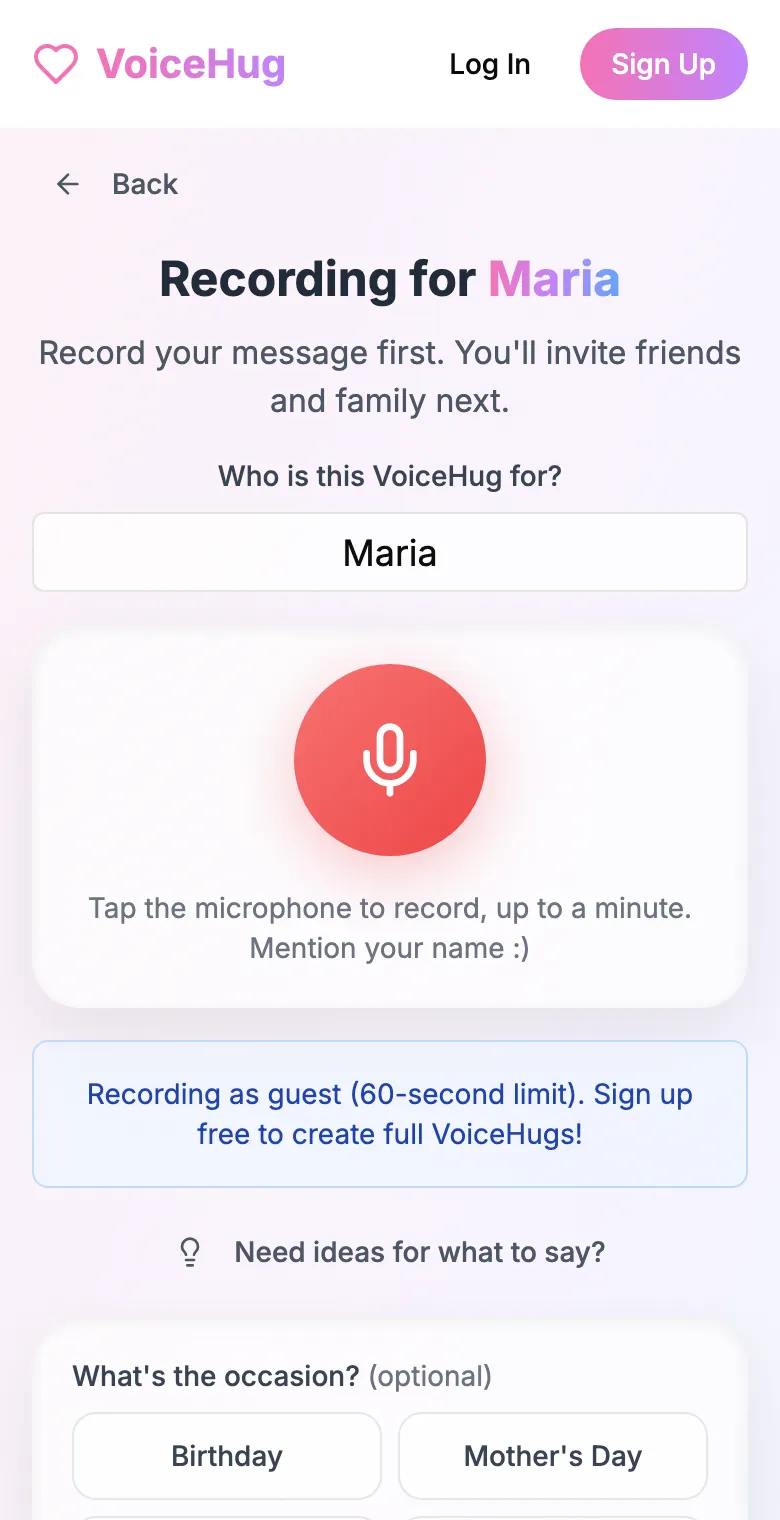
1. Record your own message
Say who it is for and record first, so everyone hears how it sounds.
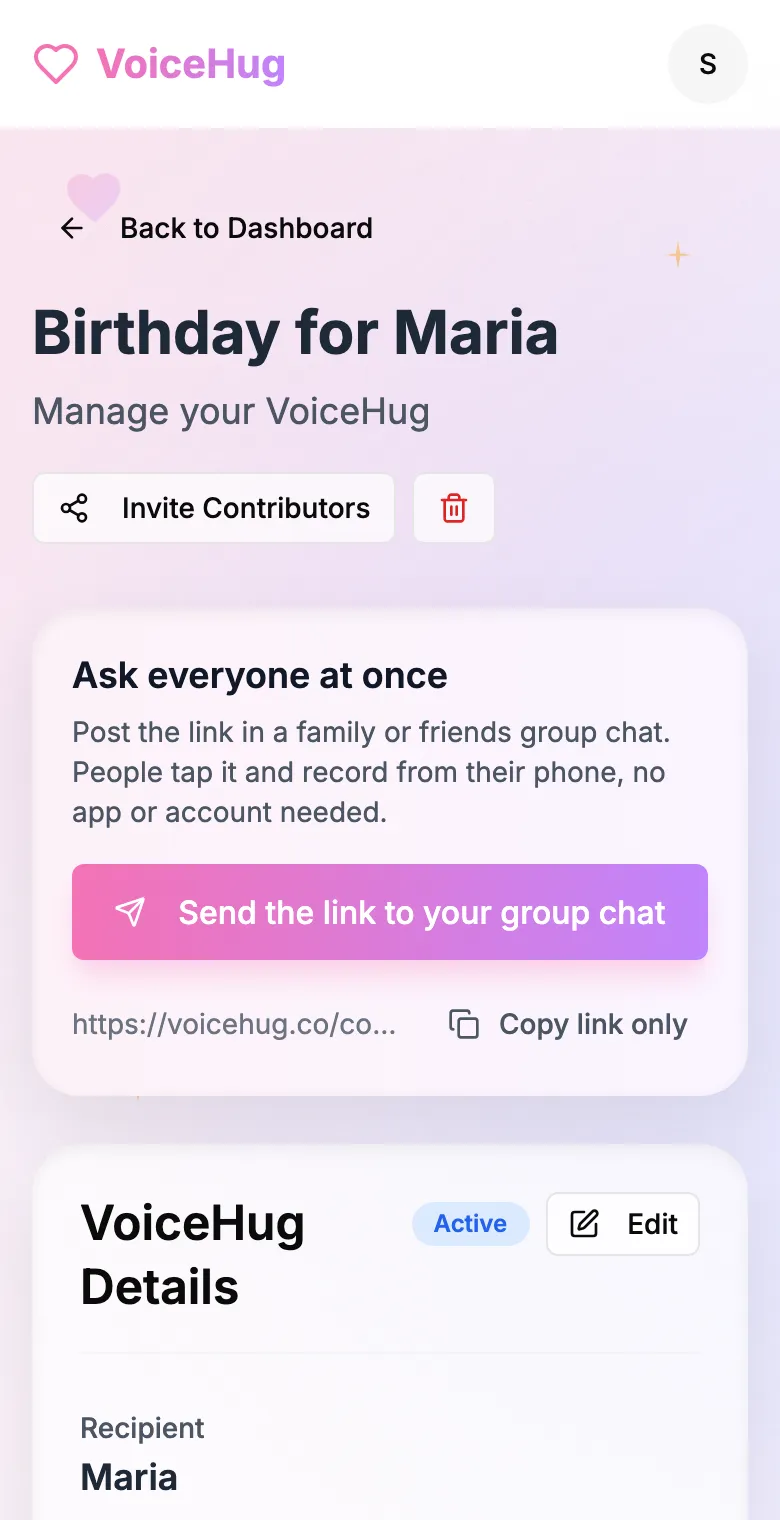
2. Send one link to the group
Post it in the family or friends group chat, or send the WhatsApp invite. You see who has recorded and can remind anyone invited by email.
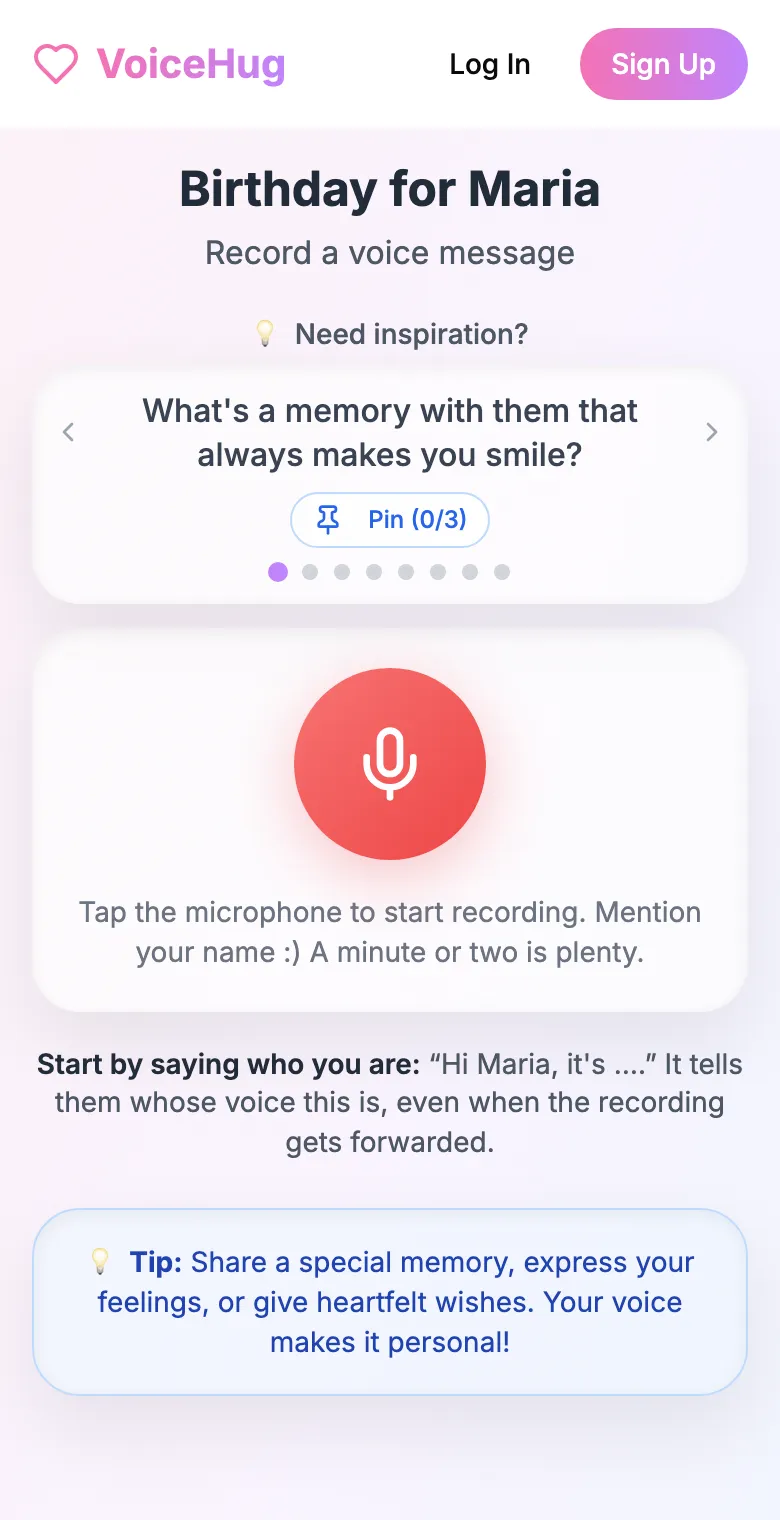
3. Each person records on their phone
They open the link and tap the microphone, with prompts if they need ideas. No app, no account. They can also send a WhatsApp voice note.
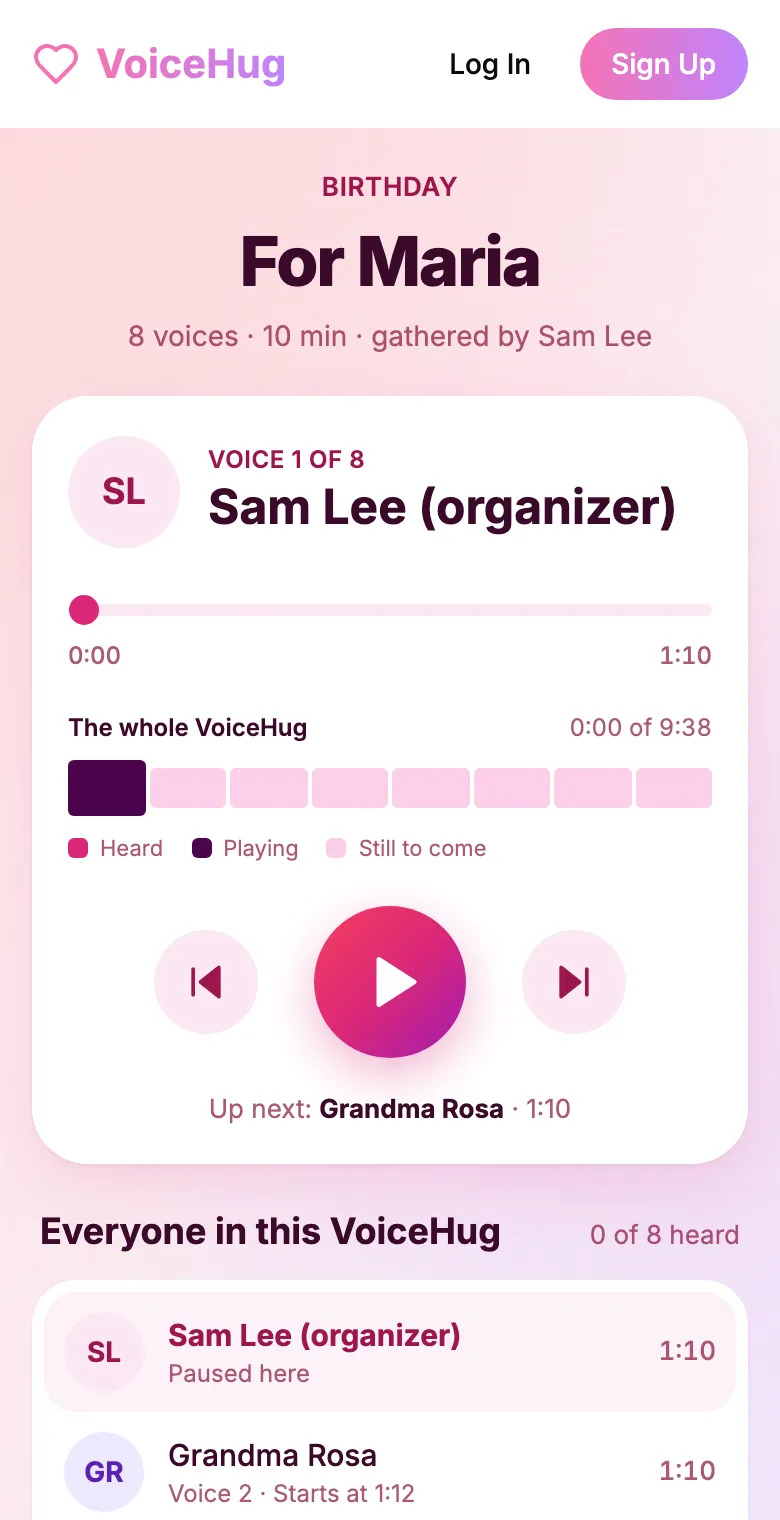
4. They get one recording
VoiceHug levels every voice, puts a short pause between them and makes one MP3 with a chapter for each person, plus a gift page to send.
Free for you and up to 5 others. $9.99 once for a larger group.
Questions
- What do you say in a recorded condolence message?
- Who you are and how you knew the person, one memory of them, and that you are thinking of the family. Short is fine.
- Is a recording appropriate for condolences?
- Often, yes, especially when it is made of memories of the person who died. Check with someone close to the family first.
- How much does it cost?
- Free for you plus up to 5 others (6 people). For a larger group it is a one-time $9.99, with no limit on how many people record. Contributors never pay.