Guide · updated 2026-10-23
How to save Telegram voice messages and merge them into one recording
A Telegram group is an easy way to collect voice messages, but the phone apps cannot save them all at once. Telegram Desktop can: it exports a chat's voice messages as files you can join into one recording.
Short version: Install Telegram Desktop, open the chat, choose ⋮ > Export chat history, tick only Voice messages and export. The .ogg files are in the voice_messages folder. Join them in Audacity or with ffmpeg.
Export the voice messages with Telegram Desktop
The phone apps have no chat export. Secret chats only exist on the phone they were started on, so they cannot be exported.
Install Telegram Desktop from desktop.telegram.org (Windows, Mac or Linux) and log in. It shows a QR code: on your phone open Settings > Devices > Link Desktop Device and scan it.
Open the chat or group, click ⋮ at the top right and choose Export chat history.
Tick Voice messages and untick the other types. Choose a download folder and the HTML format.
Click Export. When it finishes, open the folder: the voice messages are .ogg files in its voice_messages folder, numbered in the order they were sent.
Save one voice message
In Telegram Desktop, right-click the voice message and choose Save Voice Message As. On a phone, forward the message to Saved Messages and save it from Telegram Desktop later.
Merge them
Telegram voice messages are Opus audio in .ogg files. Audacity and VLC open them; GarageBand and QuickTime do not. In Audacity, import them all, choose Tracks > Align Tracks > Align End to End, level each one and export an MP3. For many files, ffmpeg does it in one command. Both are explained step by step in our guide to combining voice messages into one file.
To turn them into MP3s first, the commands in our guide to converting WhatsApp voice notes to MP3 work the same way: change each .opus in the command to .ogg.
What usually goes wrong
- The export includes replies you do not want. Listen through and delete those files before merging.
- The person the gift is for is in the group. Collect in a separate group without them.
- Files will not open on a Mac. GarageBand and QuickTime do not read .ogg Opus; use Audacity or convert them first.
- Voice levels differ a lot. Level each file separately before you join them.
The same job with VoiceHug
VoiceHug does the collecting and joining. People record from one link in their phone's browser, with no app or account, or send a WhatsApp voice note; VoiceHug does not take Telegram messages. You get one levelled MP3 with a chapter for each voice.
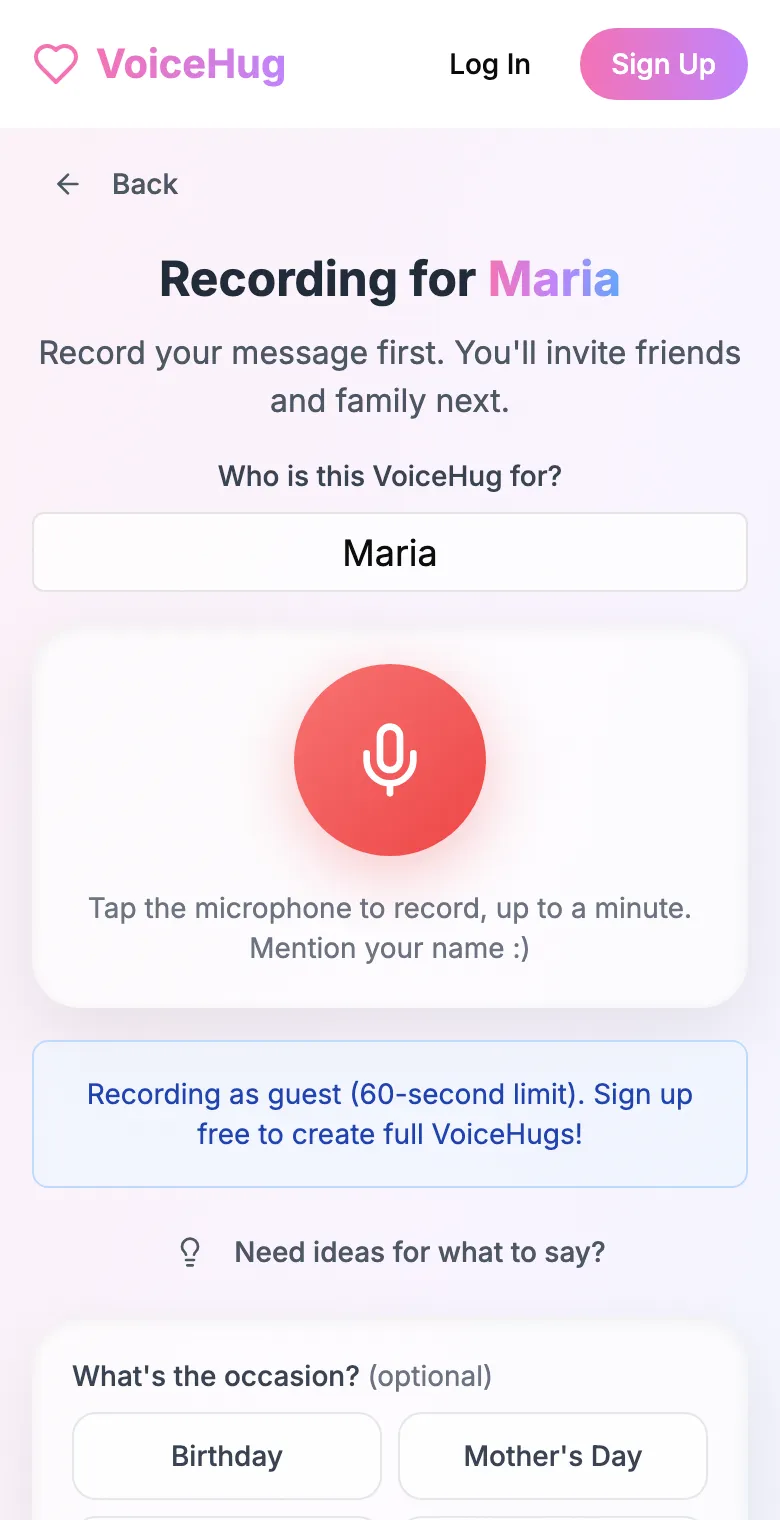
1. Record your own message
Say who it is for and record first, so everyone hears how it sounds.
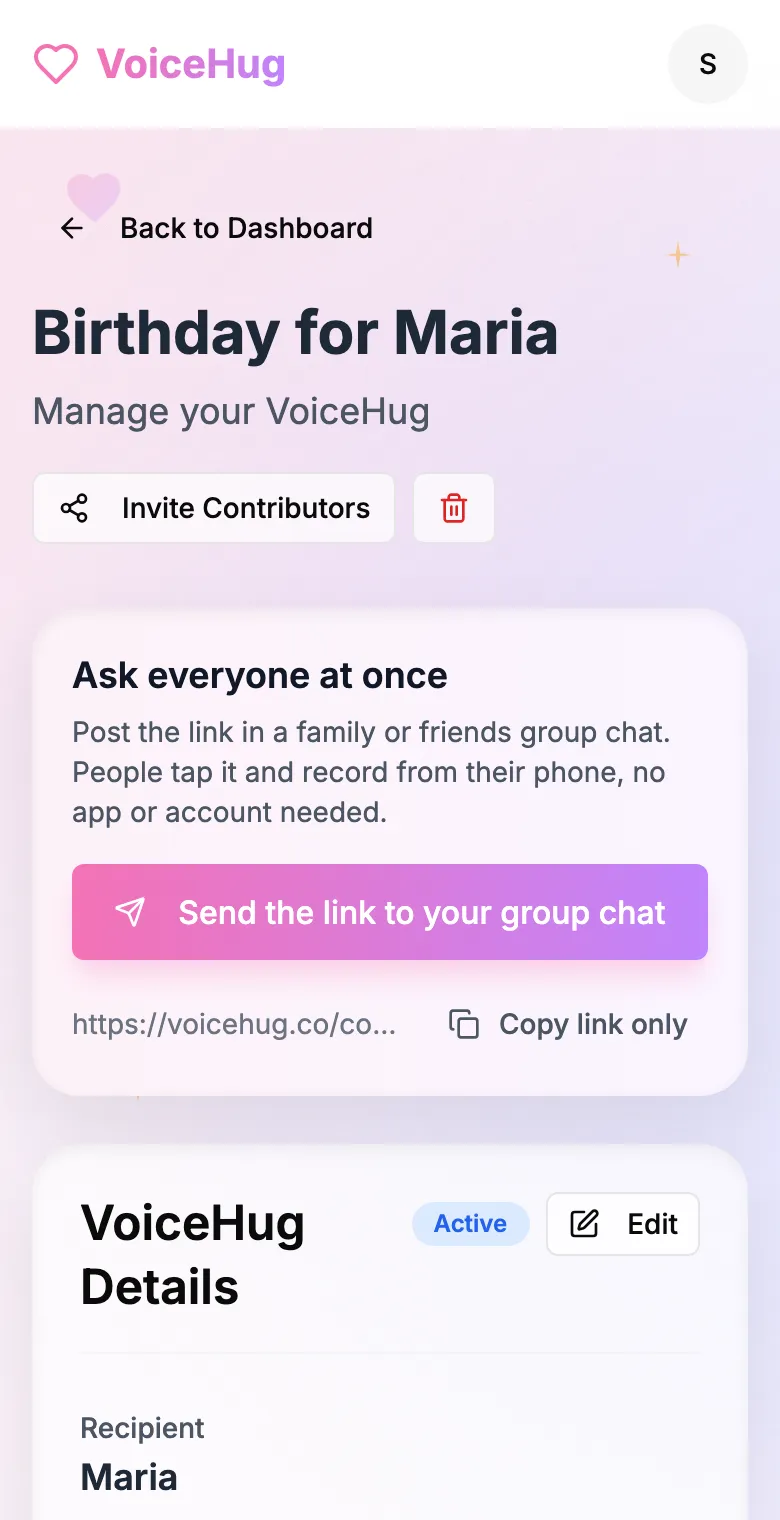
2. Send one link to the group
Post it in the family or friends group chat, or send the WhatsApp invite. You see who has recorded and can remind anyone invited by email.
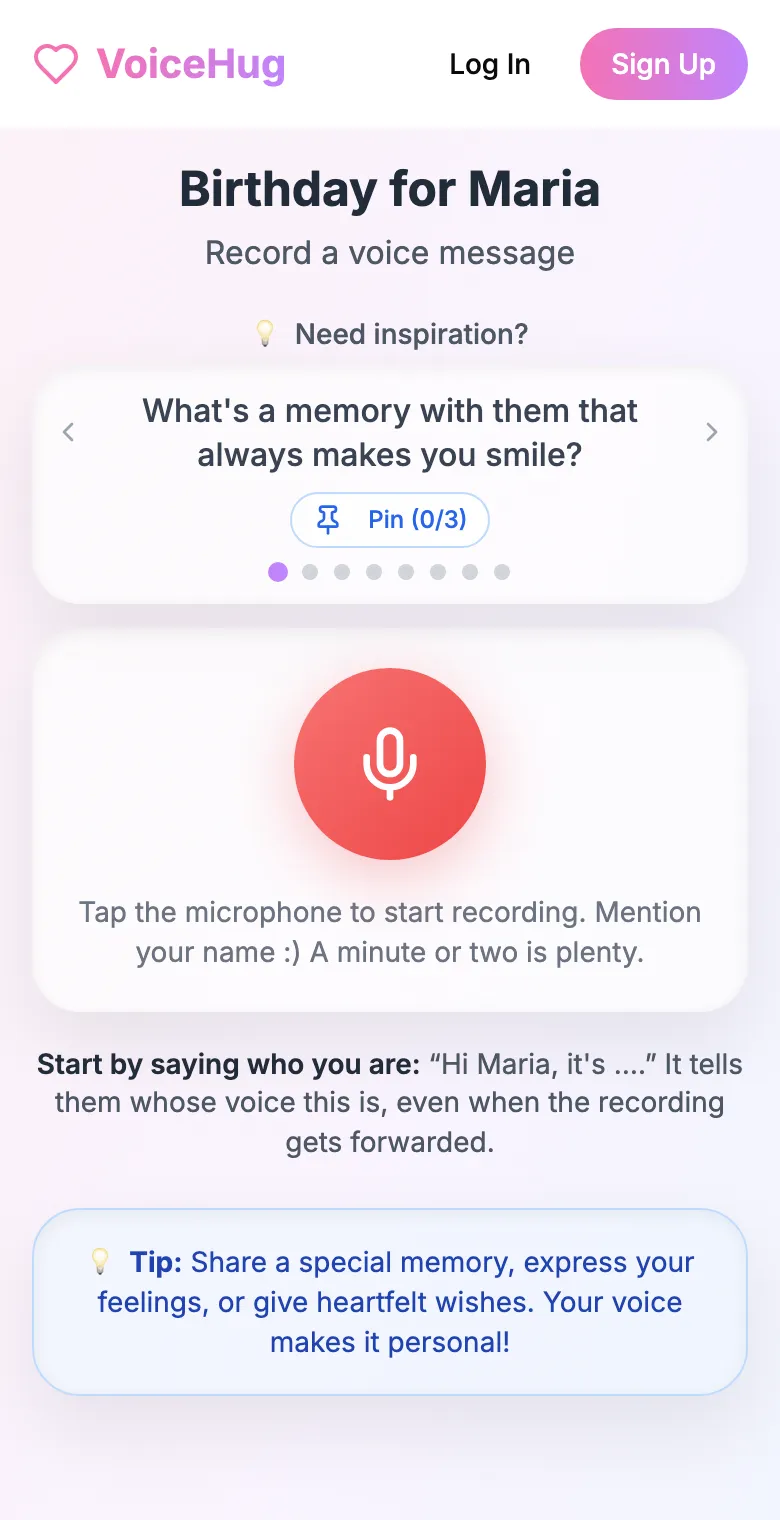
3. Each person records on their phone
They open the link and tap the microphone, with prompts if they need ideas. No app, no account. They can also send a WhatsApp voice note.
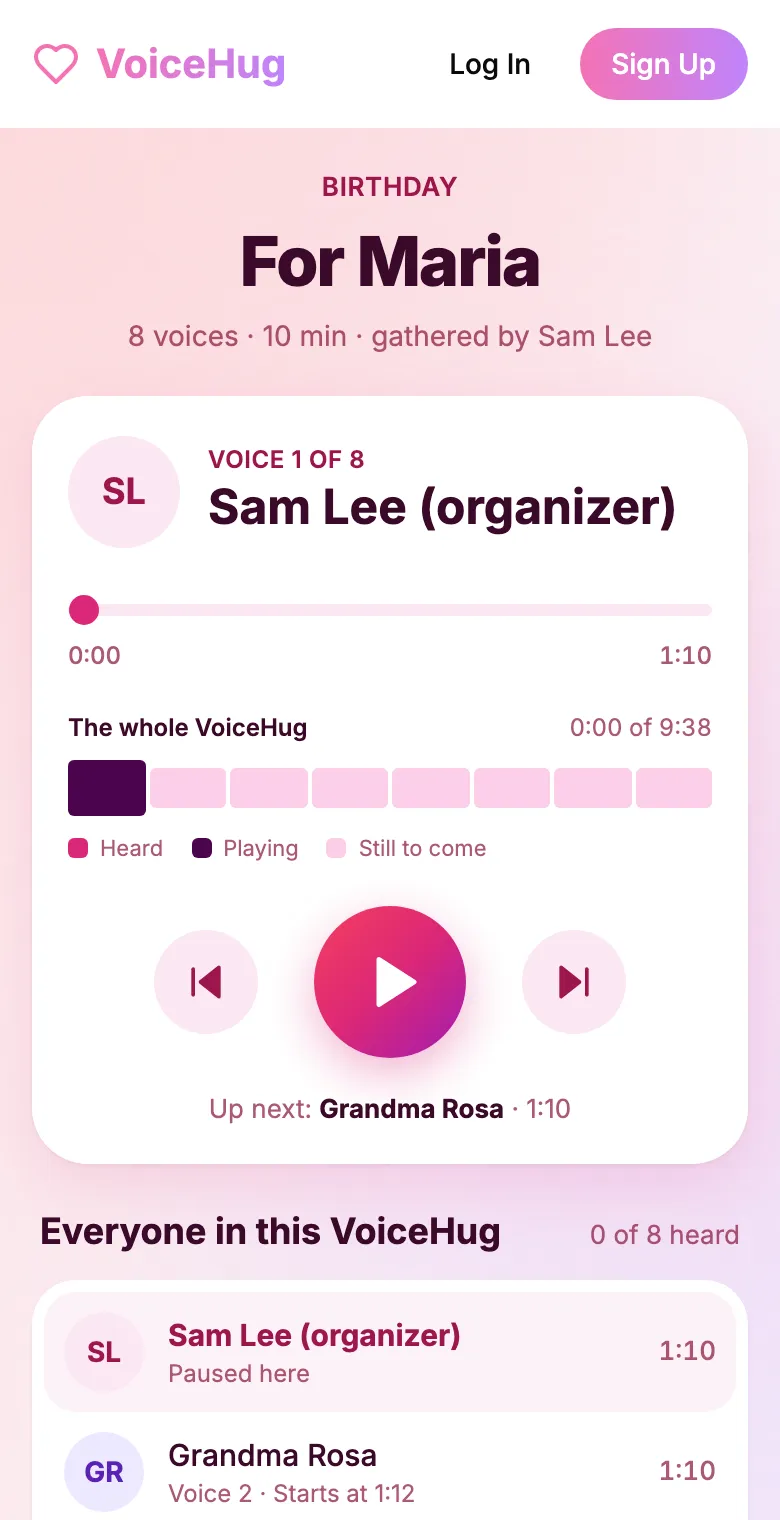
4. They get one recording
VoiceHug levels every voice, puts a short pause between them and makes one MP3 with a chapter for each person, plus a gift page to send.
Free for you and up to 5 others. $9.99 once for a larger group.
Questions
- What format are Telegram voice messages?
- Opus audio in an Ogg container, saved as .ogg files. Audacity, VLC and ffmpeg open them.
- Can I export Telegram voice messages from my phone?
- Not all at once. Chat export is only in Telegram Desktop, which you can link to your phone account by scanning a QR code.
- Can people send their message to VoiceHug on Telegram?
- No. They record from the VoiceHug link in their browser, or send a voice note on WhatsApp.
- How much does VoiceHug cost?
- Free for the organizer plus up to 5 contributors (6 people). For larger groups it is a one-time $9.99 with no limit on contributors. Contributors never pay.